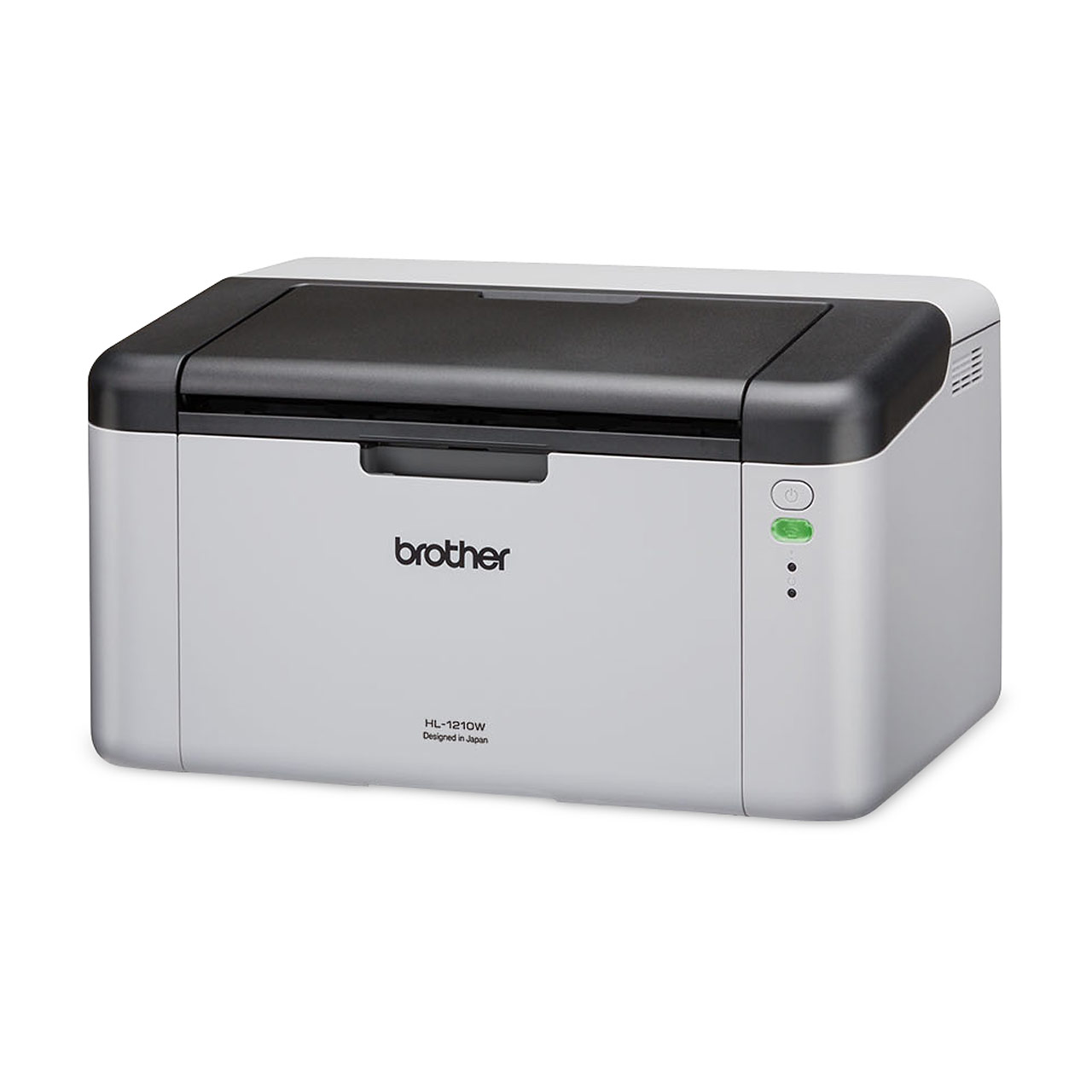
Description
FUNCTIONS
Fax, Print, Scan, Copy
PRINTER TYPE
Inkjet Printer
PRODUCT DIMENSIONS (WIDTH X DEPTH X HEIGHT)
400 mm x 343 mm x 172 mm
PRINT SPEED
Up to 17 (Mono) / 9.5 (Colour) ipm
FPOT: 6 (Mono) / 9.5 (Colour) Seconds
PAPER TYPE
Plain Paper, Inkjet Paper, Glossy Paper (cast/resin), Recycled Paper
PAPER SIZE
A4, Letter, Executive, A5, A6, Photo(102x152mm/4×6″), Indexcard(127x203mm/5×8″), Photo-2L(127x178mm/5×7″), C5 Envelope, Com-10, DL Envelope, Monarch
MAXIMUM PAPER CAPACITY
Up to 150 sheets of 80 gsm plain paper
WARRANTY
3 years Carry-In Warranty
Download Product Brochure (PDF/1.3MB)
RESOLUTION
Windows: Up to 1,200 x 6,000 dpi
Mac: Up to 1,200 x 3,600 dpi
PRINTING WIDTH
A4: 204 mm/210 mm (With Border/Borderless)
Letter: 210 mm/216 mm (With Border/Borderless)
2-SIDED – PAPER TYPE
Plain Paper, Recycled Paper
2-SIDED – PAPER SIZE
A4, Letter, Executive, A5
Print Media
PAPER INPUT – PAPER TRAY #1 – PAPER TYPE
Plain Paper, Inkjet Paper, Glossy Paper (cast/resin), Recycled Paper
PAPER INPUT – PAPER TRAY #1 – MAXIMUM PAPER CAPACITY
Up to 150 sheets of 80 gsm plain paper
ADF INPUT PAPER TRAY MAXIMUM PAPER CAPACITY
Up to 20 pages of 80 gsm Plain Paper
PAPER OUTPUT
Up to 50 sheets of 80 gsm Plain Paper
Copy
COLOUR
Yes
MONOCHROME
Yes
COPY WIDTH
A4 (ADF/FB): 204 mm
LETTER (ADF/FB): 210 mm
MULTIPLE COPIES
Up to 99 pages
ENLARGE/REDUCE
25% to 400% (in increments of 1%)
RESOLUTION
Print: Up to 1,200 x 1,800 dpi
Scan: Up to 1,200 x 1,20 dpi
2-SIDED – PAPER SIZE
Letter, A4, A5
Connectivity
USB
USB 2.0
WIRELESS LAN
IEEE 802.11b/g/n (Infrastructure)
IEEE 802.11g/n (Wi-Fi Direct)
Scan
COLOUR SCANNING
Yes
MONOCHROME
Yes
COLOUR DEPTH – INPUT
30 bit colour processing
COLOUR DEPTH – OUTPUT
24 bit colour processing
GREYSCALE – INPUT
10 bit colour processing
GREYSCALE – OUTPUT
8 bit colour processing
RESOLUTION – INTERPOLATED
Up to 19,200 × 19,200 dpi (interpolated) (Windows Only)
RESOLUTION – SCANNER GLASS
Up to 1200 × 2400 dpi
RESOLUTION – ADF
Up to 1200 x 600 dpi
SCANNING WIDTH – SCANNER GLASS
Up to 213.9 mm
SCANNING WIDTH – ADF
Up to 213.9 mm
SCANNING LENGTH – SCANNER GLASS
Up to 295 mm
SCANNING LENGTH – ADF
Up to 353.6 mm
Fax
MODEM SPEED
14.4 Kbps
SCANNING WIDTH (SINGLE-SIDED DOCUMENT)
Up to
Letter (FB): 208mm
A4 (FB): 204mm
Letter (ADF): 208mm
A4 (ADF): 208mm
PRINTING WIDTH
Up to
A4: 204mm
Letter:210mm
GREYSCALE – MONO
8 bit
GREYSCALE – COLOUR
24 bit
RESOLUTION (HORIZONTAL)
203 dpi
RESOLUTION (VERTICAL) – STANDARD – MONO
98 dpi
RESOLUTION (VERTICAL) – STANDARD – COLOUR
196 dpi
RESOLUTION (VERTICAL) – FINE – MONO
196 dpi
RESOLUTION (VERTICAL) – FINE – COLOUR
196 dpi
RESOLUTION (VERTICAL) – SUPERFINE – MONO
392 dpi
GROUPS
Up to 6 groups
BROADCASTING
50 locations
SPEED DIAL
40 locations
AUTOMATIC REDIAL
3 times at 5 minute intervals
MEMORY TRANSMISSION
Up to 170 pages (ITU-T Test Chart #1, MMR)
OUT OF PAPER RECEPTION
Up to 170 pages (ITU-T Test Chart #1, MMR)
PC FAX – COLOR / MONO
Yes (Mono)
PC FAX – SENDING
Yes (Network/USB, Up to A4)
PC FAX – RECEIVING
Yes (Network/USB, Up to A4)
*NA for MAC
PC FAX – BROADCASTING
Up to 50
PC FAX – DOCUMENT SIZE
Letter, A4, Legal
PC FAX – PC-FAX PROTOCOL
RX: Class 2
TX: PC-FAX Driver
Display & Memory
DISPLAY
1.8″ TFT Color LCD
MEMORY CAPACITY
128 MB
Operation
POWER SOURCE
220 – 240 V AC 50/60 Hz
POWER CONSUMPTION – PRINTING
Approx. 17 W
POWER CONSUMPTION – READY
Approx. 3 W
POWER CONSUMPTION – SLEEP
Approx. 1.0W
POWER CONSUMPTION – POWER OFF
Approx. 0.2 W
NOISE LEVEL
53.5 dB(A)
TEMPERATURE – OPERATING
10℃ to 35℃
TEMPERATURE – BEST PRINT QUALITY
20℃ to 33℃
Network
WIRELESS NETWORK SECURITY
SSID (32 chr), WEP 64/128bit, WPA-PSK(TKIP/AES), WPA2-PSK(TKIP/AES)
WIRELESS SETUP SUPPORT UTILITY – WPS
Yes
Supported OS
WINDOWS® OPERATING SYSTEM
Windows® 7 SP1/8.1/10
Server 2008/2008 R2/2012/2012 R2/2016/2019
MAC OPERATING SYSTEM
macOS 10.14.6/10.15.x/11(Printing and scanning via Mac requires using either AirPrint or downloading Brother iPrint&Scan from the App Store. Brother iPrint&Scan application on macOS supports PDF/JPG/BMP and PNG formats only. Mac printer driver is not provided.)
FAQS & TROUBLESHOOTING
- Setup/Settings
- Troubleshooting
- OS Support Information
- 1.Install the Brother Mobile Connect application (for mobile device)
- 2.I cannot repair the wired or wireless connection using the Network Connection Repair Tool (Windows)
- 3.Set up your Brother machine on a wireless network (Windows/macOS)
- 4.Printer Jam or Paper Jam
- 5.How to use the PC-FAX.
- After Warranty Support